What the tattoo planner does
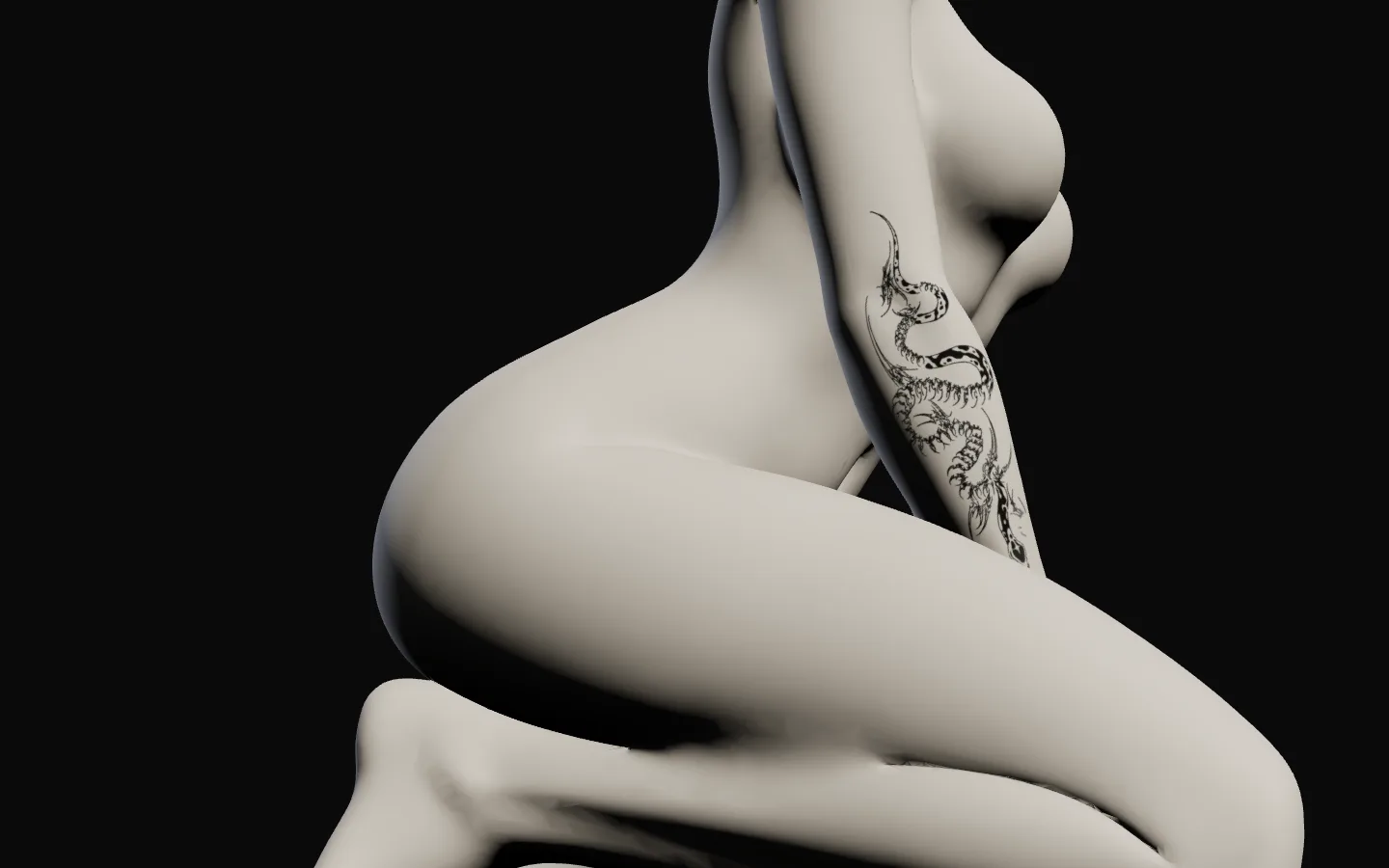
Drop in any design.
Line art or a photo; the background lifts off.
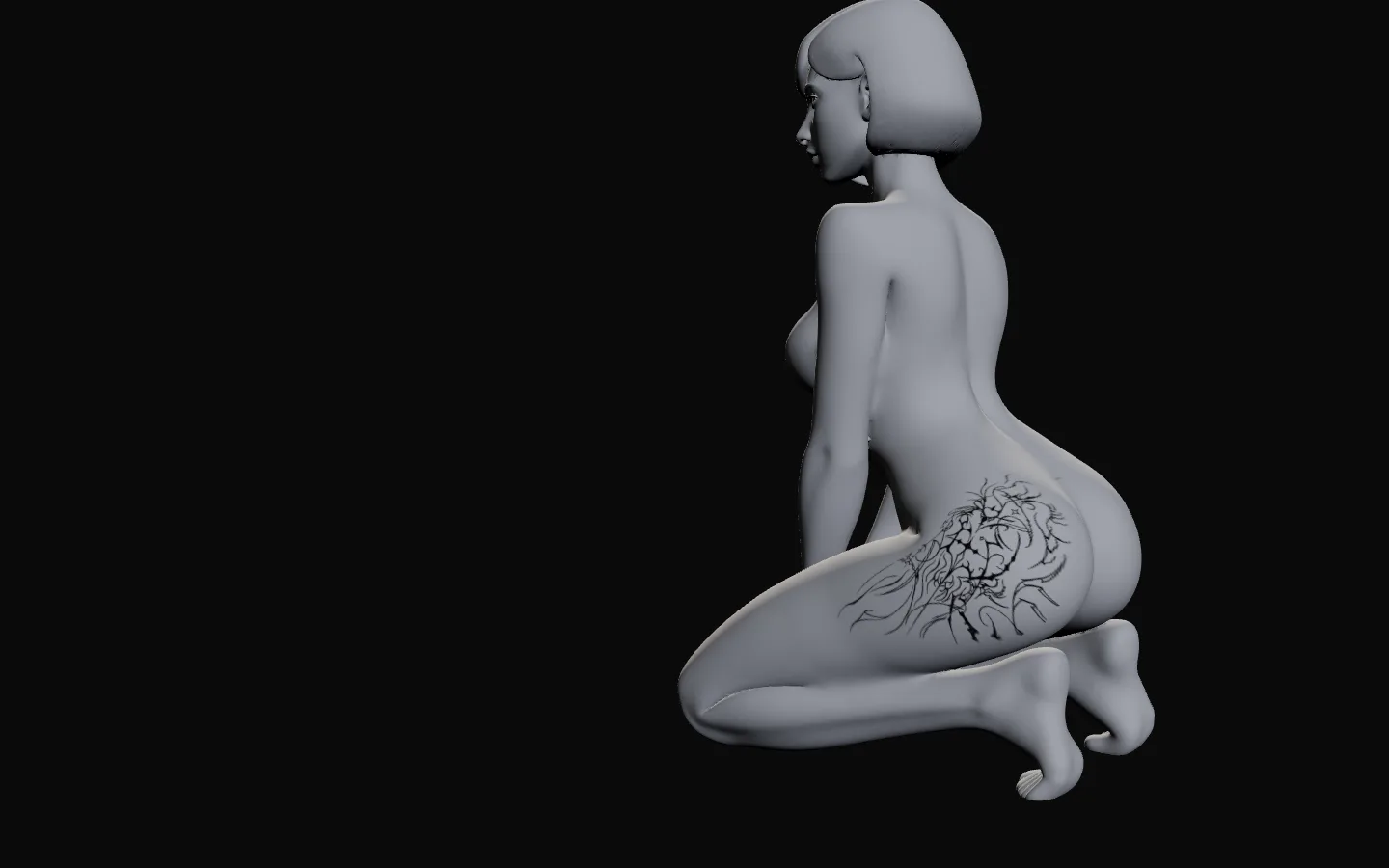
Real centimetres.
Know how big it will actually be.
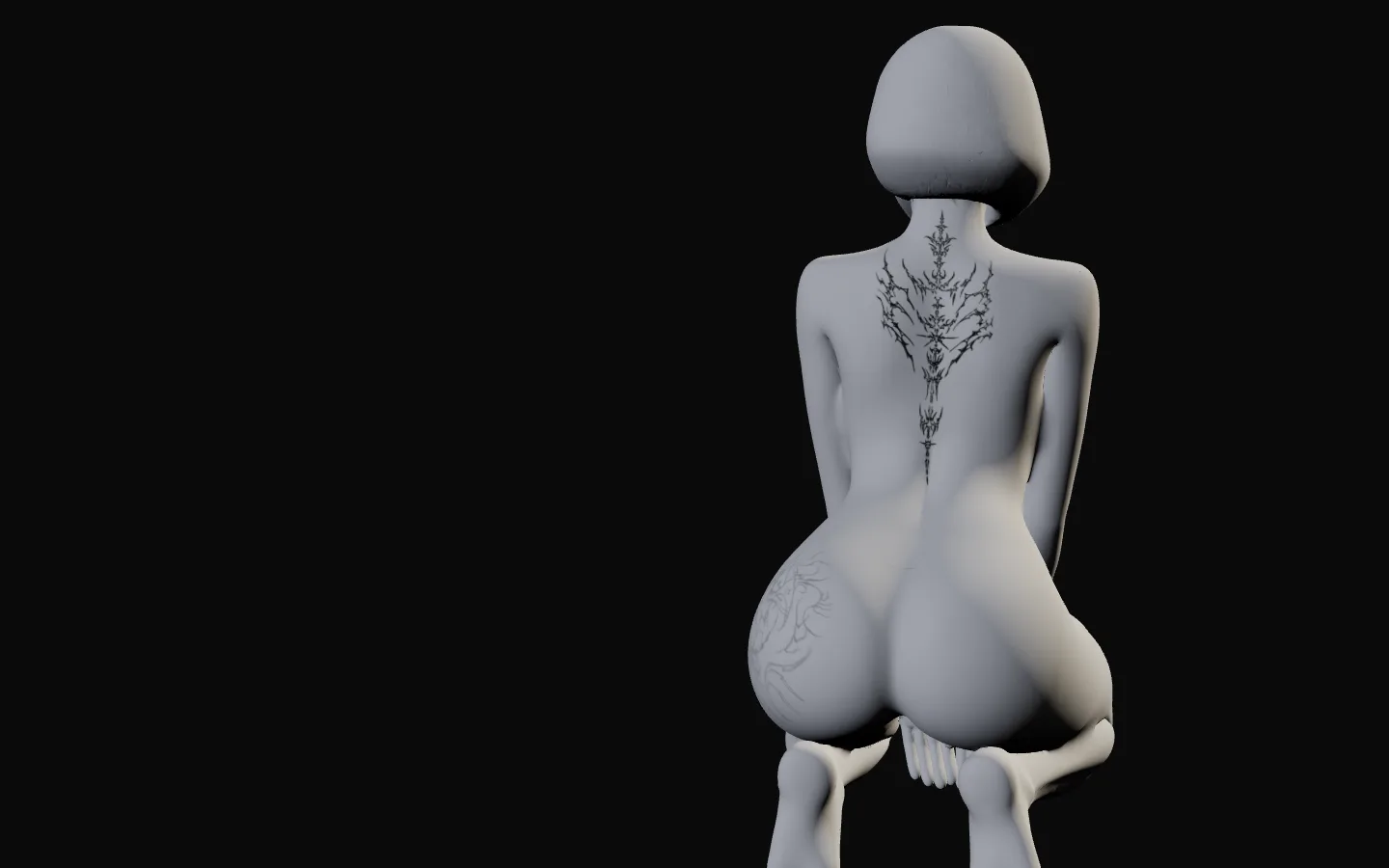
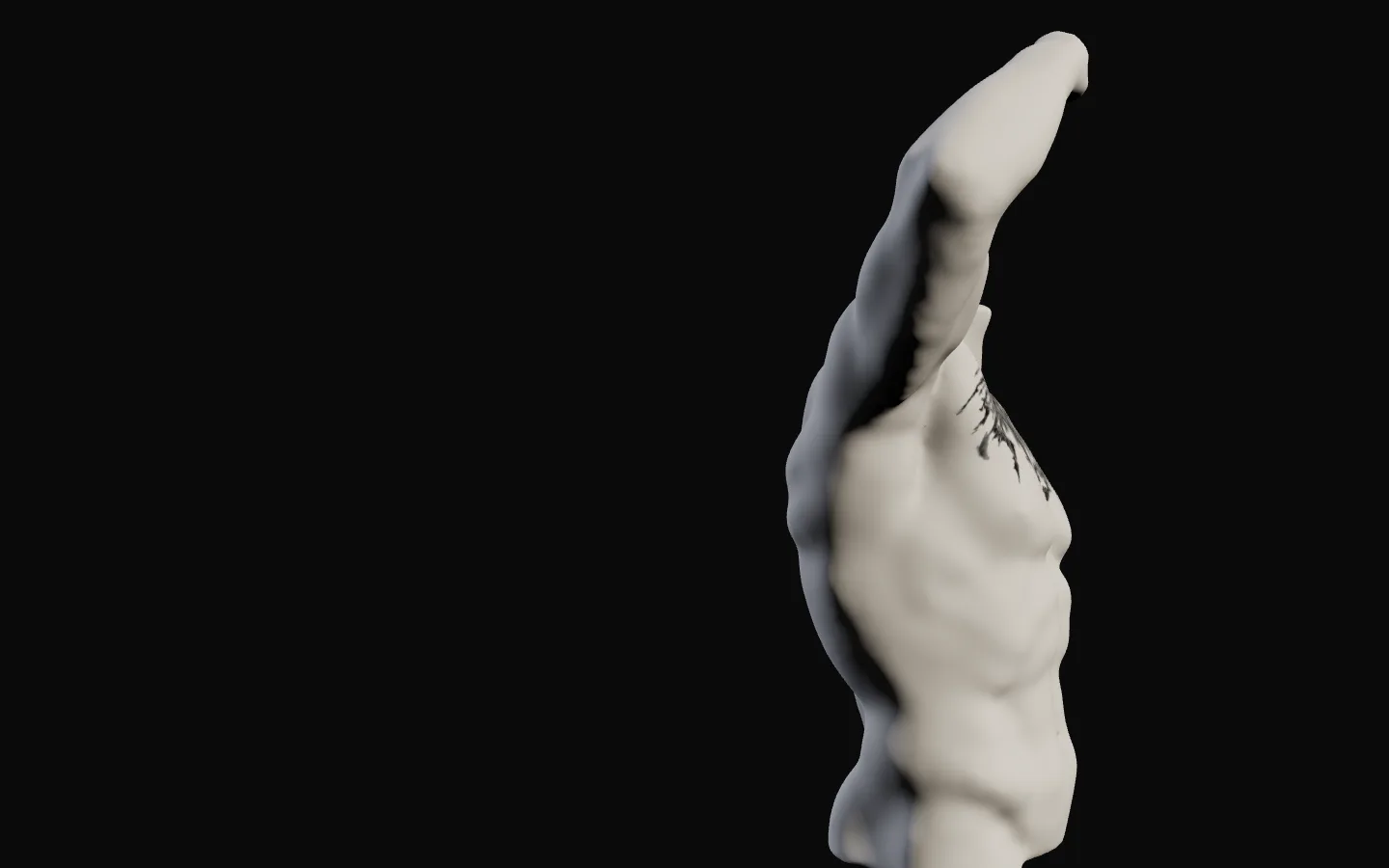
Turn it to follow the body.
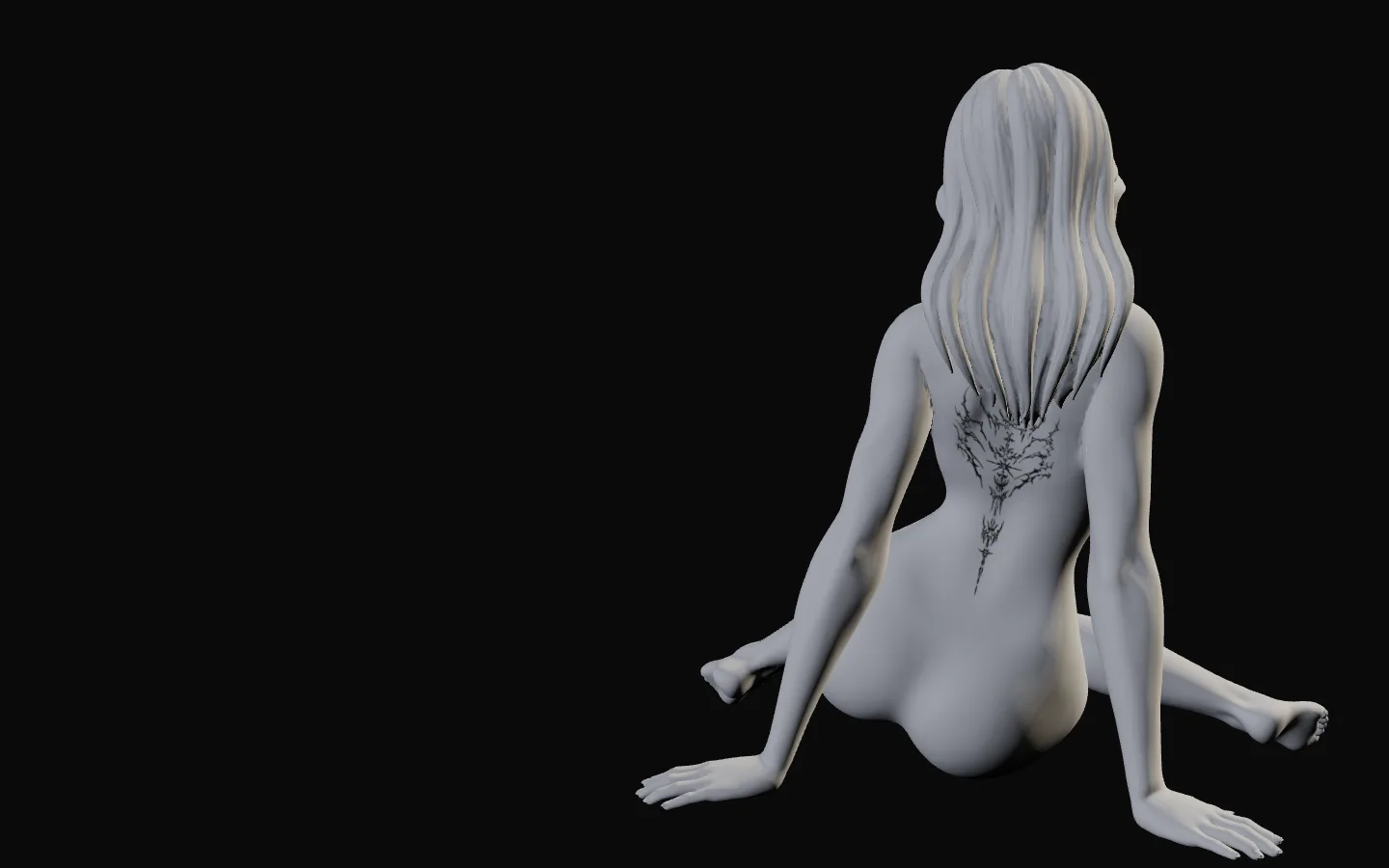
Try it on a different body.
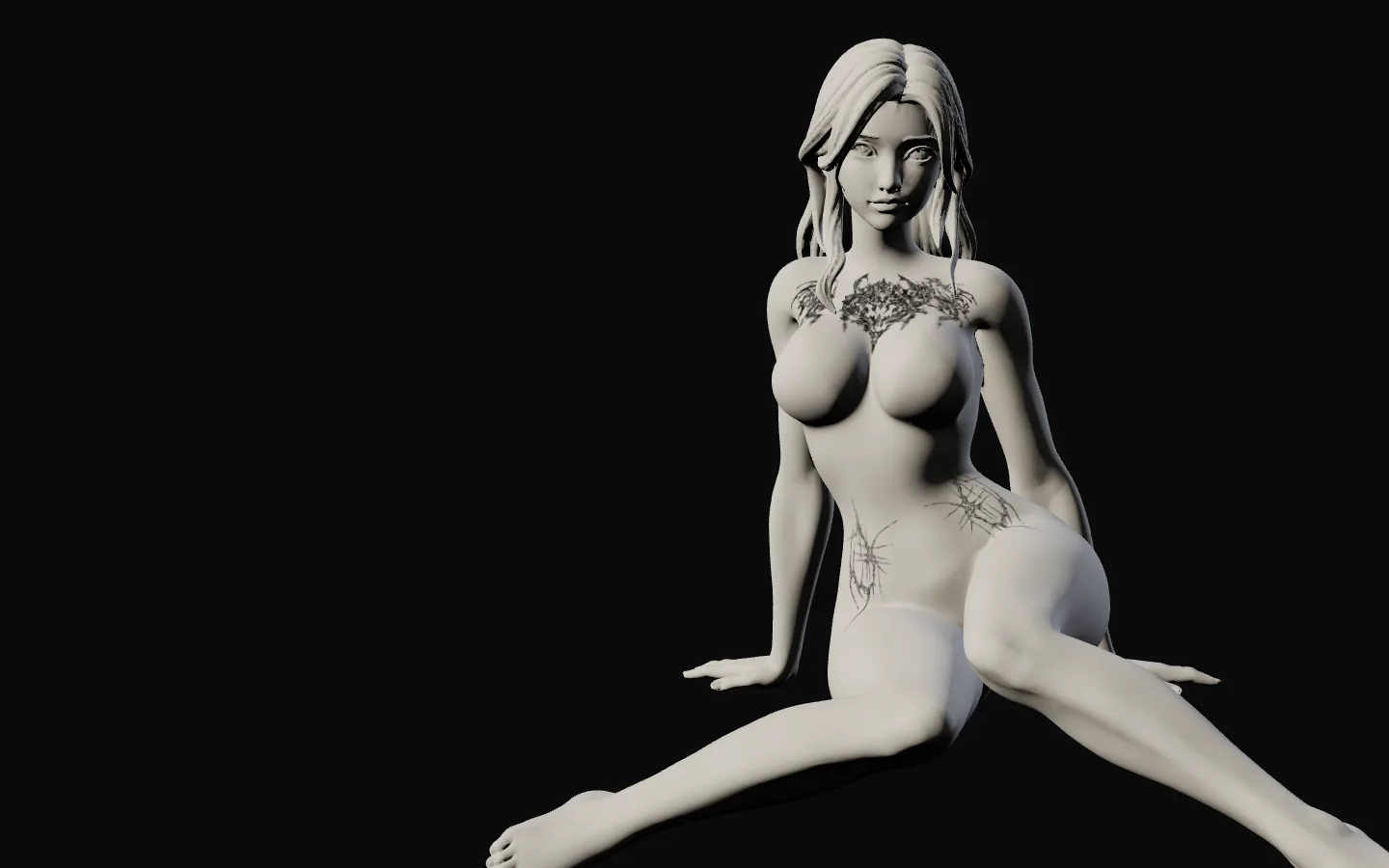
Plan the whole collection.
Several pieces, one body.
three steps
How it works
Upload
Any image. The background lifts off, leaving the linework.
Place
Click the body where it should go, then drag it into place.
Size and turn
Set it in real centimetres, at any angle, on any body.
upcoming features
What's coming
A tentative roadmap. The order and the timing may change, and what you ask for moves things up.
-
in the works
Share by link
Send a plan to a friend, or to your artist. They open it and try it themselves.
A sheet for your artist
Each piece from the front and the side, with its size in centimetres.
-
next
Whole-body view
Front and back, side by side.
Find a body like yours
The casts sorted by height and build.
Colour ink
Beyond black linework.
-
exploring
Your own arm
A piece laid over a photo of you.
A feed of artists' flash
New flash from the artists here, to try on.
On an artist's own site
The planner inside an artist's page.
More bodies
More builds and ages, by request.
-
Try your own design.
Free, no account to start.
already have an account? sign in · or make one
Something missing?
Say so: a suggestion, a problem, a question. Every message is read.
questions
Questions
- What is plan.tattoo?
- A free tattoo planner in your browser. You put any tattoo design on a 3D body, set its size in real centimetres, rotate it and move it anywhere on the body, and see how it sits before you book. Nothing to install. The 3D tattoo visualizer guide explains what it can't show.
- Do I need a photo of myself?
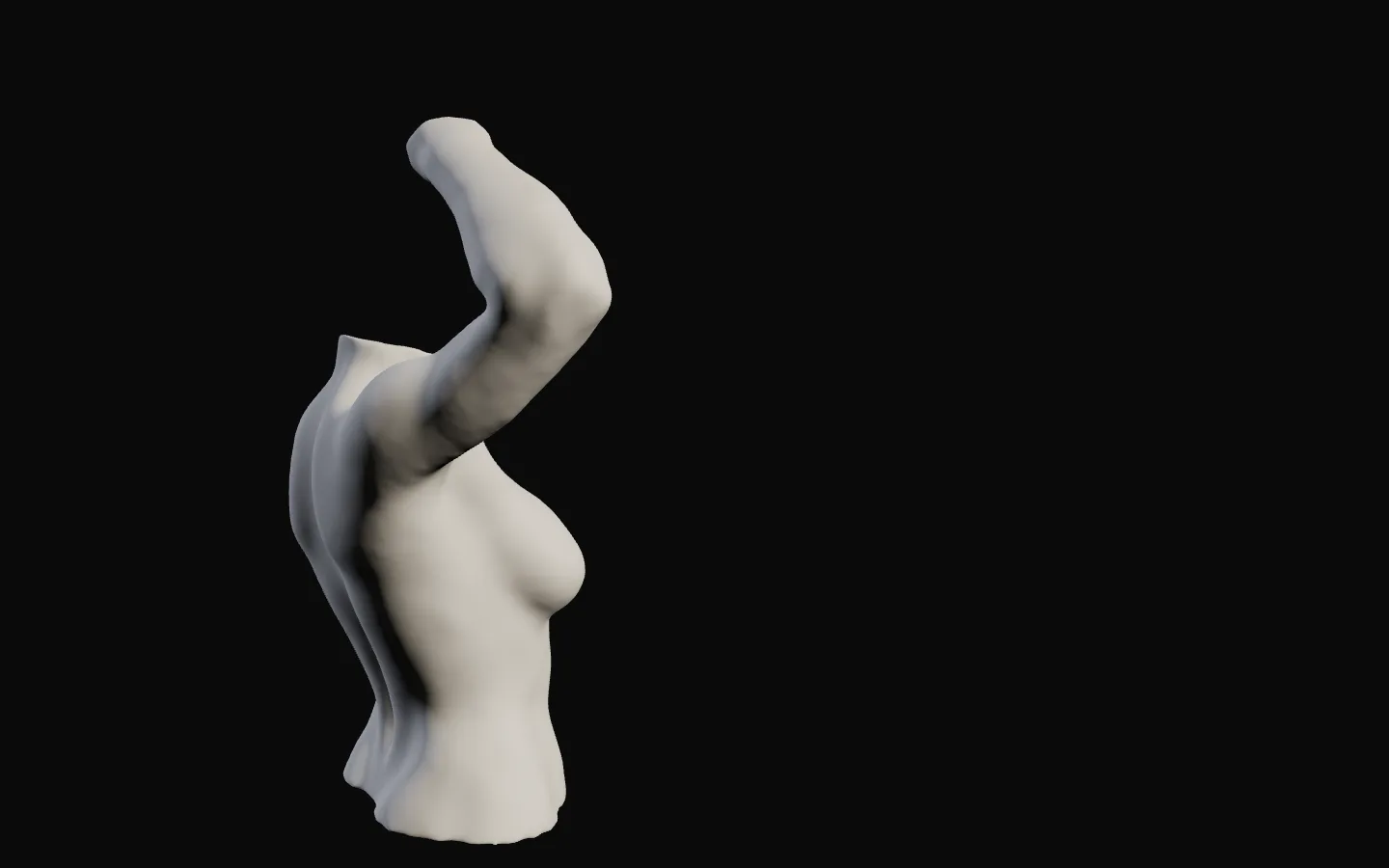
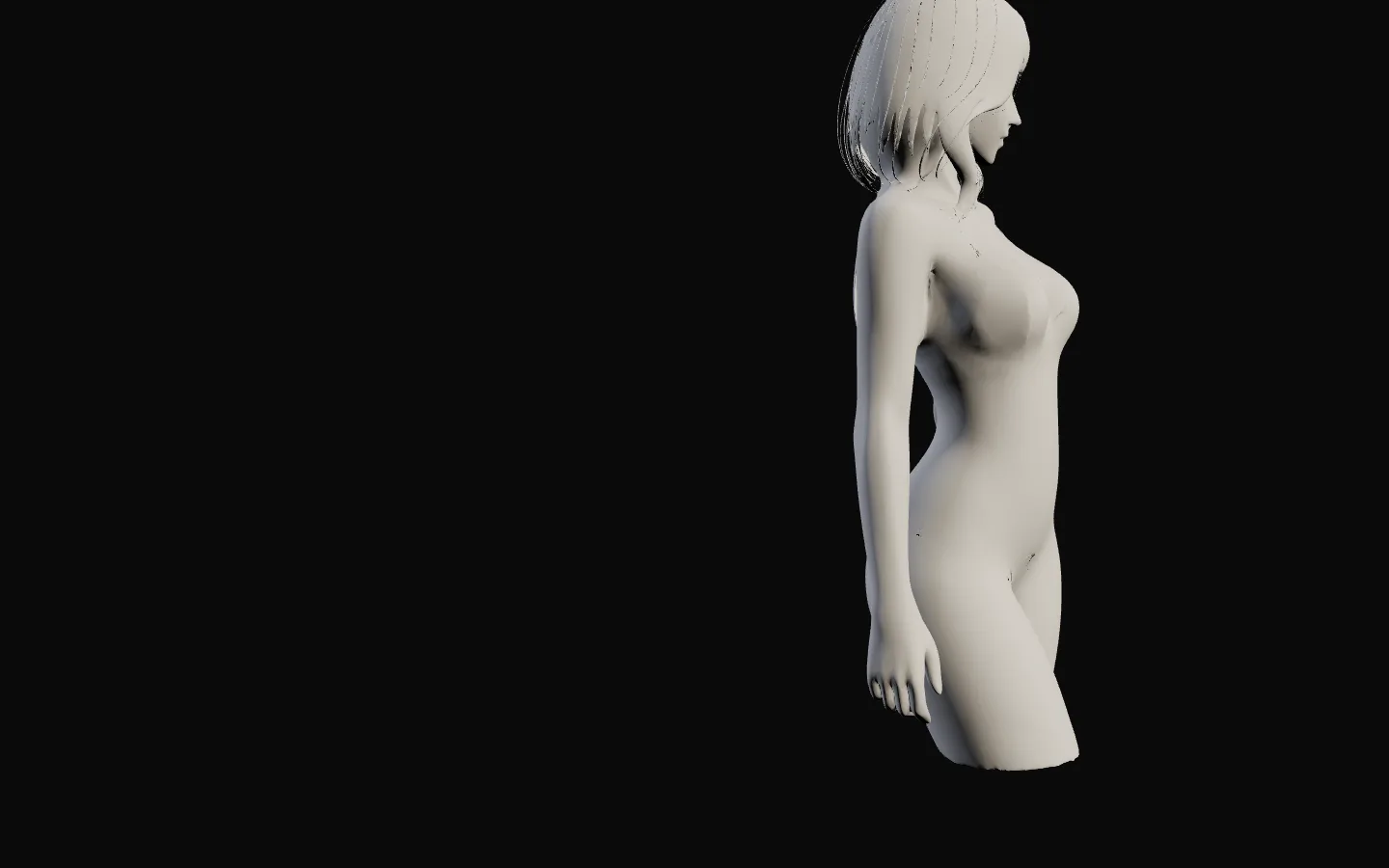
- No. You choose from 74 plaster casts, male and female: busts, torsos, a forearm, a leg, standing, seated and kneeling figures. Nothing about your body is asked for or stored. The tattoo simulator guide compares apps that need a photo.
- Is it free?
- Yes. Open the planner and start, no account needed, and save pictures of your plan without one. A free account (just your email address) keeps your plans on every device.
- How accurate is the size?
- Each body is scaled to adult proportions, so a piece set to 12 cm covers about 12 cm of that body. Bodies differ, so measure the spot on yourself with a tape too, and take both to your artist. See the tattoo size chart for typical sizes.
- Does it work on my phone?
- Yes, in any up-to-date phone or desktop browser that supports WebGL.