Best tattoo apps in 2027: try on, design, draw and book
by moiraiDigital · updated
The best tattoo app depends on the job. To see a design at real size before you book, plan.tattoo ranks first, free in any browser. For AI design ideas, BlackInk AI. To draw a design, Adobe Fresco, which is free. For a stencil, the TattoosAI stencil maker. To find an artist and book, Inkjin on iPhone or Android.
Each app here was checked on its own website or app-store listing on 16 November 2026, and each list is ranked by criteria stated beside it. plan.tattoo is ours. It leads the try-on list, and it isn't on the others, because it doesn't generate, draw, print or book anything.
Which tattoo app is best?
For planning a tattoo, use two or three apps rather than one: a try-on app to settle size and placement, a generator or drawing app for ideas, and a booking app to find the artist who draws the real thing. Free picks for each: plan.tattoo, Fotor or Perchance, Adobe Fresco, the TattoosAI stencil maker, and Inkjin to browse.
How we ranked them
Every list is sorted by its own criteria, in order, and a criterion counts only where the product's own page says so. Where a page is silent, the table says "not stated". Ties are listed alphabetically. The try-on and AI lists have pages of their own, with their criteria; the rest are below. For drawing apps: first, whether it is free to use. Then whether it runs on more than one kind of device. For stencil tools: first, whether it is free with no account. Then whether it runs in a browser. Then whether its page says your image stays on your device. For booking apps: first, whether you book inside the app. Then whether its page says it is free for clients. Then whether it runs on more than one platform.
See it at real size: try-on apps
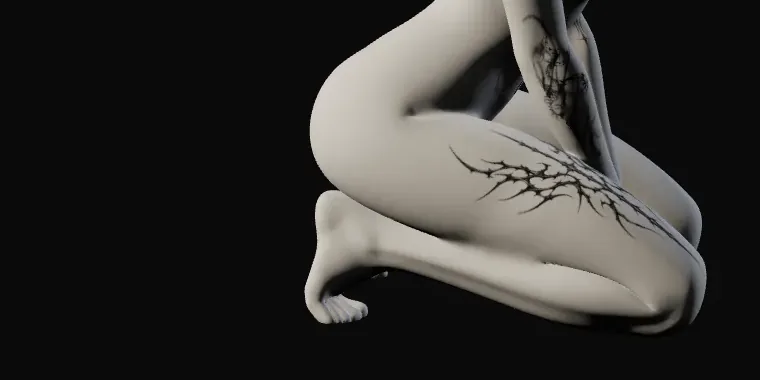
The top three of the best tattoo try-on apps, ranked: plan.tattoo, TryInk and InkCraft. plan.tattoo puts your design on a 3D plaster cast at the size you type in centimetres, free in any browser, with no account and no photo of you. TryInk is a free 3D simulator in the browser, and InkCraft builds a 3D model from a photo of your own body part. For your own skin tone, the full list ranks the AR and photo apps too, InkHunter and Tatship among them. Open plan.tattoo and try 10 cm on the forearm.
AI tattoo generators
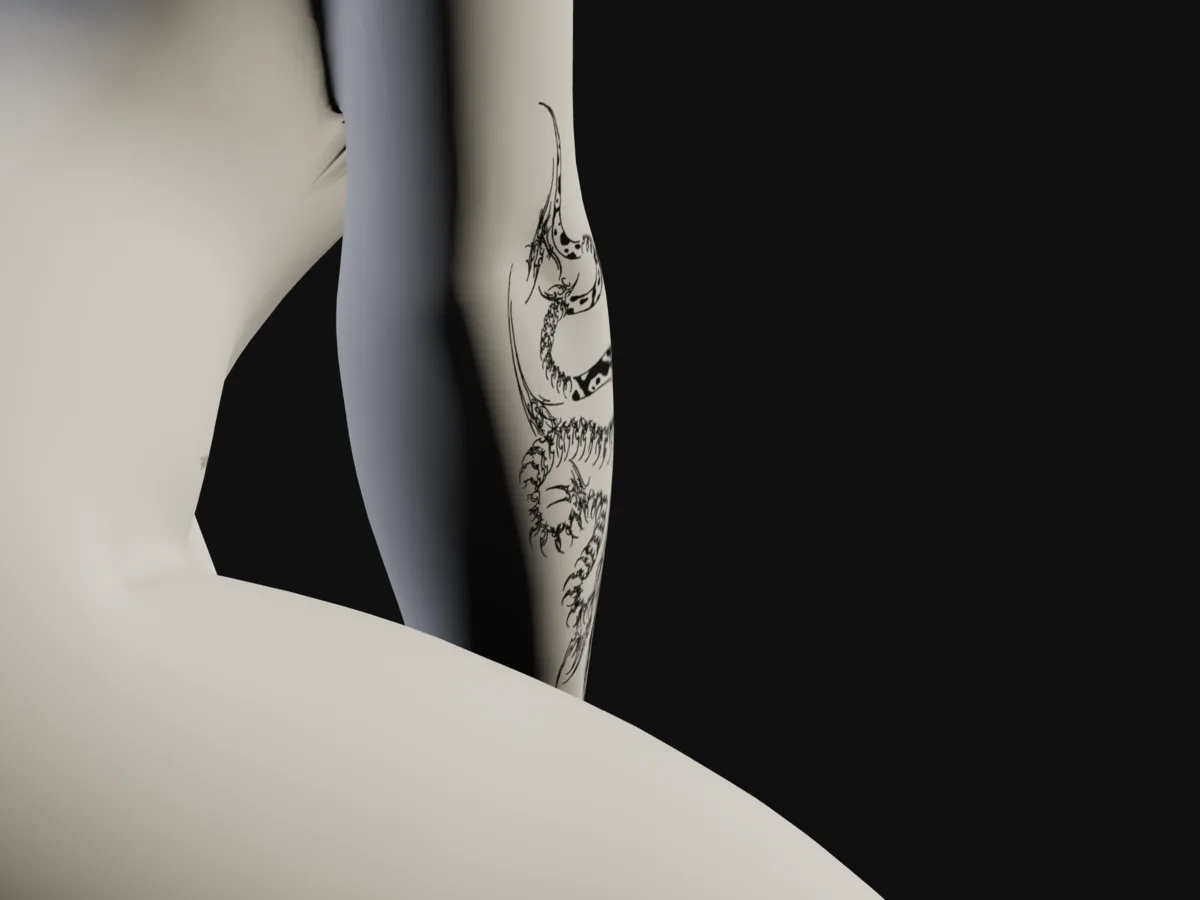
The top three of the best AI tattoo generators: BlackInk AI, Perchance and Fotor. BlackInk AI makes a first design free with no sign-up and turns one into a stencil on a paid plan. Perchance is free with no sign-up and says it has no limits, and Fotor is free with no sign-up. Treat a generated design as a starting point, and expect your artist to redraw it for your body.
Design and draw
For drawing your own design, or tidying one before it goes to your artist, a general drawing app does the job; none of the four here is made only for tattoos.
1. Adobe Fresco
Best for: drawing a design free on an iPad or iPhone
Adobe calls Fresco "a free professional level painting and drawing app". It is built for a stylus and touch on iPad and iPhone; its page offers no desktop version.
2. Krita
Best for: free, open-source drawing on a computer or an Android tablet
Krita is free and open source, for Windows, macOS, Linux and Android. Its download page says iPads and iPhones are not supported.
3. Clip Studio Paint
Best for: clean line art on almost any device
Clip Studio Paint runs on Windows, macOS, iPad, iPhone, Android and Chromebook, with a free trial. Plans start at US$0.99 a month, and a one-time licence for Windows or macOS starts at US$63.00.
4. Procreate
Best for: drawing on an iPad for a one-time price
Procreate costs $12.99 once, with no subscription, and runs only on iPad; Procreate Pocket is a separate iPhone app.
Stencils
A stencil is the line drawing transferred to your body before the needle starts. Your artist will make the final one, but a stencil tool helps you see a design as line art and print it at its real size to hold against yourself.
| # | Product | Free | Where it runs | Your image | Price |
|---|---|---|---|---|---|
| 1 | TattoosAI stencil maker | free, no account to convert a design | in the browser | "Your image never leaves your device" | free |
| 2 | BlackInk AI | on a paid plan | website | not stated | $14.99 a month, $39.99 for 3 months or $72 a year |
| 3 | StencilStudio | free download; plans and credits | iPhone app | not stated | plans $9.99, $14.99 or $29.99; credits from $4.99 |
1. TattoosAI stencil maker
Best for: turning a design into line art to print at its final size, free
It turns a photo or a design into stencil line art in your browser, free with no account, and says "your image never leaves your device". Its own advice is to print at the exact size the tattoo will be, not scaled to fit the page.
2. BlackInk AI
Best for: a stencil from a design you generated there
BlackInk AI's paid plans ($14.99 a month, $39.99 for three months or $72 a year) include a converter that turns a finished design into a high-resolution stencil.
3. StencilStudio
Best for: making and printing stencils from an iPhone
An iPhone app that turns photos, references and designs into black-and-white linework, exports PNG or PDF and prints over AirPrint. It is free to download, with plans from $9.99 and credit packs from $4.99.
Find an artist and book
Many artists take bookings through their own studio or social media. These apps help you find one by style and place, and some take the booking and the deposit for you.
1. Inkjin
Best for: finding an artist, trying the design in AR and booking in one app
Free on iPhone and Android for browsing designs and artists and trying a design in AR. Booking carries a flat €10 fee paid by the client, and you pay a deposit to confirm the session.
2. Tattoodo
Best for: searching artists by style, place and budget
On iPhone, iPad and the web, Tattoodo lets you filter artists by location, style and budget and book in the app with secure payments and financing. The app is free to download; its paid plans are for artists and studios, and the listing doesn't say whether clients pay a fee.
3. Draw — Tattoo Booking
Best for: booking straight into an artist's real availability
An iPhone and iPad app that shows an artist's real availability and lets you book at any hour. It is free to download, and its listing doesn't mention client fees.
4. inckd
Best for: booking and paying in instalments, on iPhone
An iPhone app where you register for free (its listing doesn't mention client fees), schedule your session with an artist and can pay with Klarna over up to 36 months.
Which tattoo apps work on iPhone, Android, iPad or a PC?
On a PC or any computer, use browser tools: plan.tattoo, TryInk, InkCraft, BlackInk AI, Fotor and the TattoosAI stencil maker, or Krita to draw. On Android: Tatship, Inkjin, Krita and Clip Studio Paint. On iPhone, most try-on and booking apps here. On iPad: Procreate, Adobe Fresco and Clip Studio Paint.
Free picks on each: in a browser, plan.tattoo for size and placement and Fotor for ideas; on Android, Inkjin to browse and try in AR; on iPhone, INKterest for a photo try-on with no account; on iPad, Adobe Fresco to draw. The guide to planning a tattoo puts them in order, and the placement guide ranks where a tattoo hurts least and ages best. For a first try-on, the tattoo simulator guide walks through each step, and the 3D tattoo visualizer guide lists what a 3D body can't show.
Questions
What is the best free tattoo app?
It depends on the job. For seeing a design at real size, plan.tattoo is free in any browser with no account. For AI ideas, Fotor and Perchance are free with no sign-up. Adobe Fresco and Krita are free for drawing, and the TattoosAI stencil maker is free with no account.
What is the best tattoo app for iPhone?
For seeing a design live on your body, InkHunter's AR. For a photo try-on with no account, INKterest. For booking, Tattoodo or Inkjin. plan.tattoo also runs in Safari on an iPhone with nothing to install, for checking a design's size on a 3D body.
What is the best tattoo app for Android?
Tatship for a try-on with the camera or a photo, and Inkjin to find designs and artists, try them in AR and book. InkHunter isn't on Google Play. plan.tattoo, TryInk and InkCraft's web try-on run in Chrome on Android with nothing to install.
Are there tattoo apps for PC?
Yes, in the browser: plan.tattoo, TryInk, InkCraft, KoiCreate and Try Tattoo 3D for try-on, BlackInk AI and Fotor for AI designs, and the TattoosAI stencil maker. To draw, Krita is free for Windows, macOS and Linux, and Clip Studio Paint has Windows and macOS versions.
Sources: Adobe: Fresco · Krita: download · Clip Studio Paint: home page · App Store: Procreate · TattoosAI: stencil maker · BlackInk AI: pricing · App Store: StencilStudio · App Store: inckd · Inkjin: home page · App Store: Tattoodo · Tattoodo: home page · App Store: Draw — Tattoo Booking; the try-on and AI facts are on their own pages.