Best AI tattoo generators in 2027
by moiraiDigital · updated
BlackInk AI ranks first: it makes a first design free with no sign-up, turns a design into a stencil on a paid plan, and says the designs stay yours. Perchance is free with no sign-up and says it has no limits; Fotor is free with no sign-up too. Whichever you use, an AI design is a starting point for your artist, not the stencil they will tattoo.
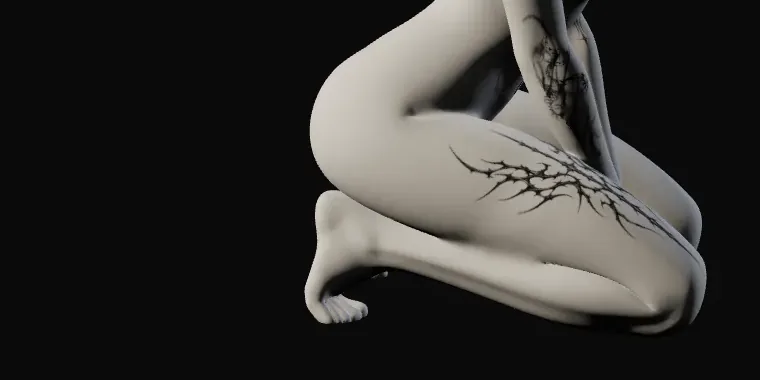
We checked six generators made for tattoos, each on its own website or app-store listing on 16 November 2026. plan.tattoo isn't among them: it doesn't generate designs. It is where you take one afterwards, to see it at the size you want on a 3D body.
Which AI tattoo generator is best?
By our criteria, BlackInk AI, because it is the only one that is free without an account, offers a stencil and says the designs are yours. For unlimited free ideas, Perchance says it has no limits; Fotor is free with no sign-up. On an iPhone, Tattoo AI - Tattoo Design exports a stencil from the app.
How we ranked them
We ranked them on how far each gets you towards a design you can take to an artist, by four things in this order. First, whether it makes designs free without an account. Then whether it turns a design into a stencil for your artist. Then whether its own page says you may use the designs commercially, or that they stay yours. Last, whether its free use has no stated limit.
A point counts only where the product's own page says so; where it is silent, the table says "not stated". Ties are listed alphabetically. Nobody paid to be on this list, and we make none of these tools.
The six, in order
1. BlackInk AI
Best for: designs you can refine and take to your artist as a stencil
BlackInk AI runs in the browser. You describe an idea, pick a style and a placement shape, and each run gives two to four designs in about ten seconds. The first design is free with no sign-up, and two more come with a free account. The paid plans ($14.99 a month, $39.99 for three months or $72 a year) add unlimited designs, line-weight and detail controls, body previews and a converter that turns a finished design into a high-resolution stencil. Its pricing page says your designs stay private and can still be downloaded after you cancel.
2. Perchance
Best for: quick, unlimited idea sketches for nothing
Perchance's tattoo generator describes itself as "free, no sign-up, no limits". It is a page of community-built generators, so it is good for running through lots of rough ideas fast. It offers no stencil and states no terms for the designs.
3. Fotor
Best for: free designs without a watermark, no sign-up
Fotor is a large online photo editor with a tattoo generator among its tools. Its page says every feature, the generator and its try-on included, is "completely free online, no sign up", with downloads that carry no watermark. You can ask for changes to line thickness, colour or composition in the prompt. The page offers no stencil and says nothing about how you may use the designs.
4. Tattoo AI - Tattoo Design
Best for: generating and exporting a stencil on an iPhone
An iPhone app from HUBX that turns an idea into tattoo designs. Its listing says you can "export a clean, high-quality stencil to take straight to your tattoo artist". Unlimited use costs from $6.99 a week to $39.99 a year; the listing doesn't say what the free version allows.
5. TattoosAI
Best for: a free stencil maker and tattoo tools beside the generator
TattoosAI gives each account four designs with no card, then charges $4.99 a month billed yearly, or $14.99 month to month, for unlimited designs. Its side tools are free with no account: a stencil maker, a pain chart, a font generator and symbol meanings. Designs are kept private only on the paid plan.
6. Atlas Cloud
Best for: tattoo-style art cleared for commercial use, such as merch
Atlas Cloud is an AI platform with a free tattoo generator among its tools. The first design costs nothing and needs no card, but you sign in to run it. Downloads are high resolution with no watermark, and the page says results "are cleared for commercial use", which matters more for merch and prints than for a tattoo. Atlas Cloud also publishes a roundup of tattoo generators that ranks itself first.
Then try it on at real size
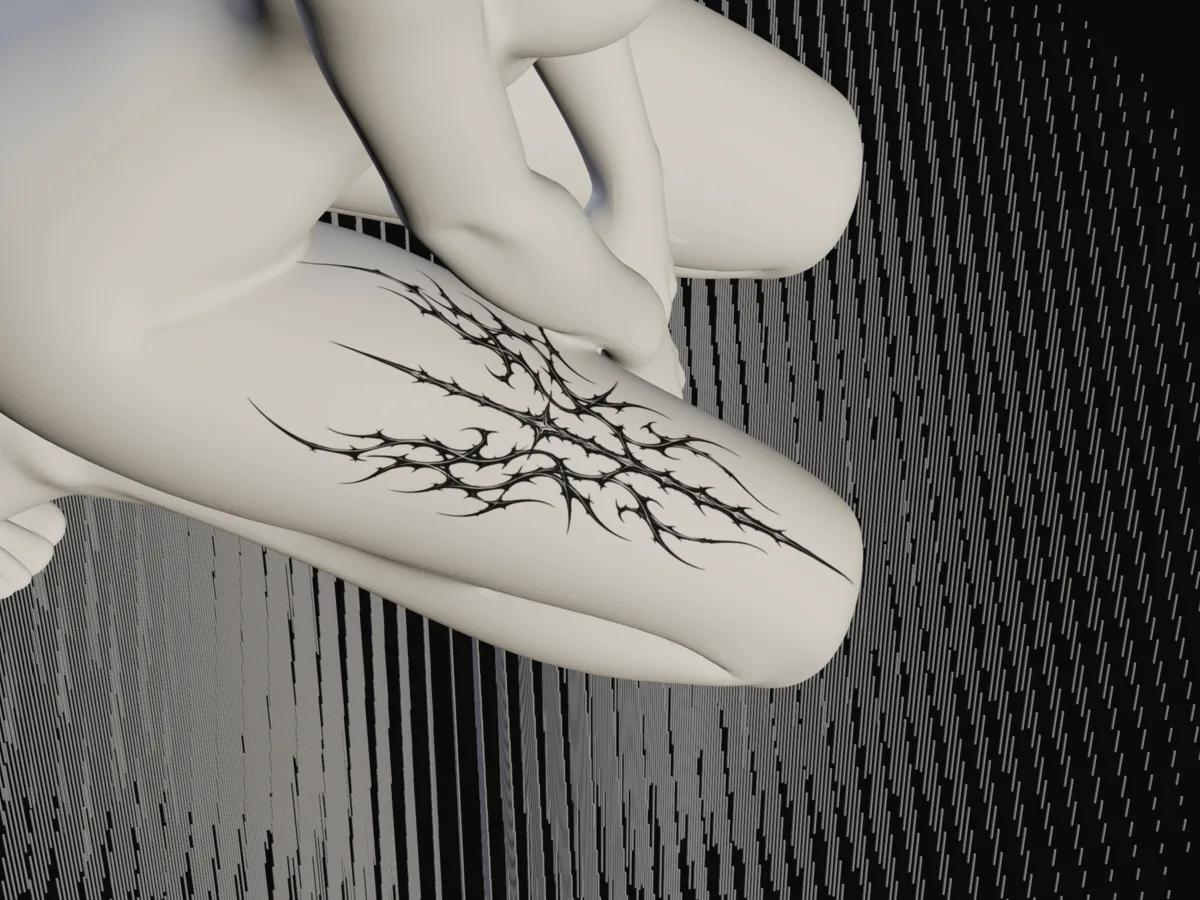
On a white square a generated design looks right at any size. On the body, a design that reads well at 15 cm can blur at 5 cm, and a long piece may wrap further round the arm than you expect. Save the design as an image, open plan.tattoo and add it, type the size your artist suggested and turn the body to see it from every side. Open the planner and try 10 cm on the forearm. It is free, needs no account or photo of you, and the background of a design lifts off.
Can a tattoo artist use an AI design?
Many artists will take one as a reference and redraw it for your body. Fewer will tattoo it line for line: generated images often have lines that don't connect, too much fine detail for the size, or shapes that don't sit on a curved limb. Ask at the consultation, and ask whether drawing time is charged.
Bring the size and placement too. The tattoo size chart gives typical sizes by area, and the placement guide ranks where tattoos hurt least and age best. For apps that do other jobs, from try-on to booking, see the best tattoo apps, and for try-on alone, the best tattoo try-on apps, ranked. To put a saved design on a 3D body, follow the tattoo simulator guide.
Questions
Is there a free AI tattoo generator?
Yes. Perchance says it is free with no sign-up and no limits, Fotor says it is free with no sign-up, and BlackInk AI gives one free design with no sign-up and two more with an account. TattoosAI gives four with a free account. Check what a free plan lets you download before you spend time on a design.
Can I use an AI tattoo design for my tattoo?
Usually as a starting point. Of the six we checked, only BlackInk AI says the designs stay yours and only Atlas Cloud says its results are cleared for commercial use; the others state no terms on their pages. Your artist will usually redraw the design so it works on the body at your size.
Which AI tattoo generator makes a stencil?
BlackInk AI converts a finished design into a stencil on a paid plan, the Tattoo AI - Tattoo Design iPhone app exports one, and TattoosAI has a free stencil maker that needs no account. Your artist will still usually make their own stencil from the final drawing.
How do I see an AI tattoo design on my body?
Save it as an image and add it to a try-on tool. plan.tattoo puts it on a 3D body at the size you type, free in the browser with no photo of you. For your own skin tone, use an AR or photo app; the try-on ranking lists both kinds.
Sources: BlackInk AI: home page · BlackInk AI: pricing · Fotor: AI tattoo generator · Perchance: AI tattoo generator · App Store: Tattoo AI - Tattoo Design · TattoosAI: home page · TattoosAI: pricing · Atlas Cloud: free AI tattoo generator